Names & Faces - Latin
Time remaining: 1800
Please wait ... recall sheet is being loaded ...
Best experience: a computer with a physical keyboard. This page is tested in Chrome.
Quick guide
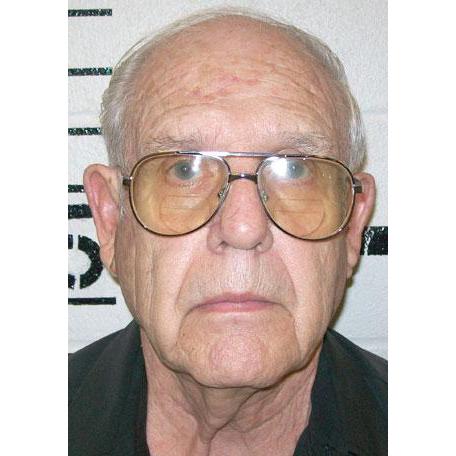
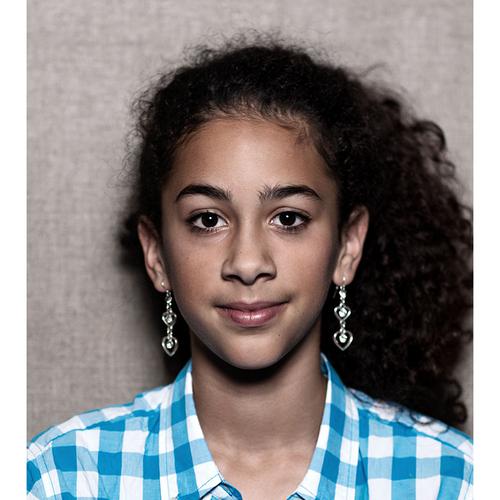
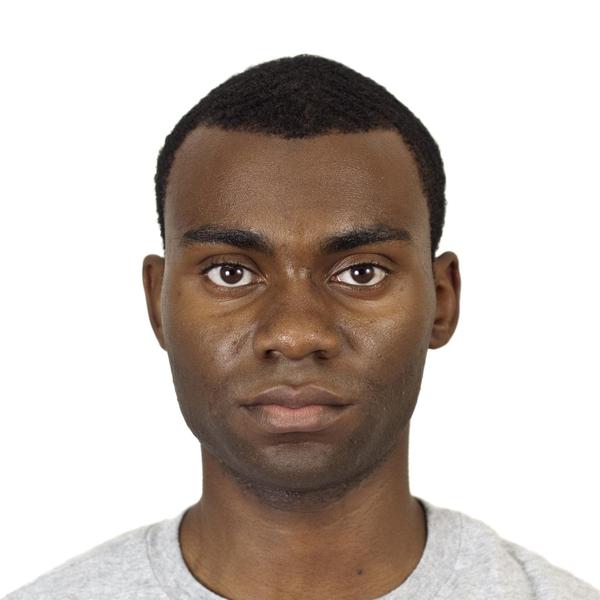
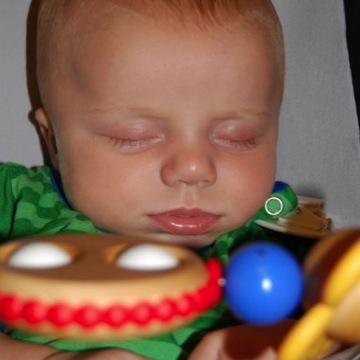
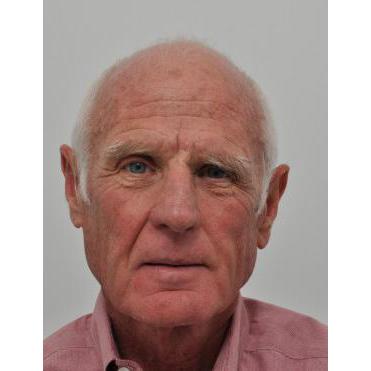
Each face has two fields: top is first name, bottom is last name.
Type names and move with arrow keys, Tab, or Enter.

|

|

|

|

|

|

|

|

|

|

|

|

|
|

|

|

|

|

|

|

|

|

|
|

|

|

|

|

|

|

|

|
|

|

|

|

|

|

|

|

|

|

|
|

|

|

|

|

|

|

|

|

|

|

|

|

|

|

|

|

|

|

|

|

|

|

|

|

|

|

|

|

|

|

|

|

|

|

|

|

|

|

|

|

|

|

|

|

|

|

|

|

|

|

|

|

|

|

|

|

|

|

|

|

|

|

|

|

|
|

|

|

|

|

|

|

|

|

|

|
You can submit manually when ready, or wait for the timer to finish.
Controls
- Character keys
- Type a name in the active cell.
- Arrow keys
- Move focus between cells.
- Enter
- Move to the next cell.
- Tab
- Move to the next cell.
- 4
- Previous empty. Focus the first empty cell before the cursor.
- 5
- Next empty. Focus the first empty cell after the cursor.